Video editor
A video game in OBEATR is a beat map: beats, stops and a depth curve laid over a video. The video itself is never uploaded. You choose a file on your own device and the editor plays it locally, see Local video. Players do the same with their own copy.
Start a video game
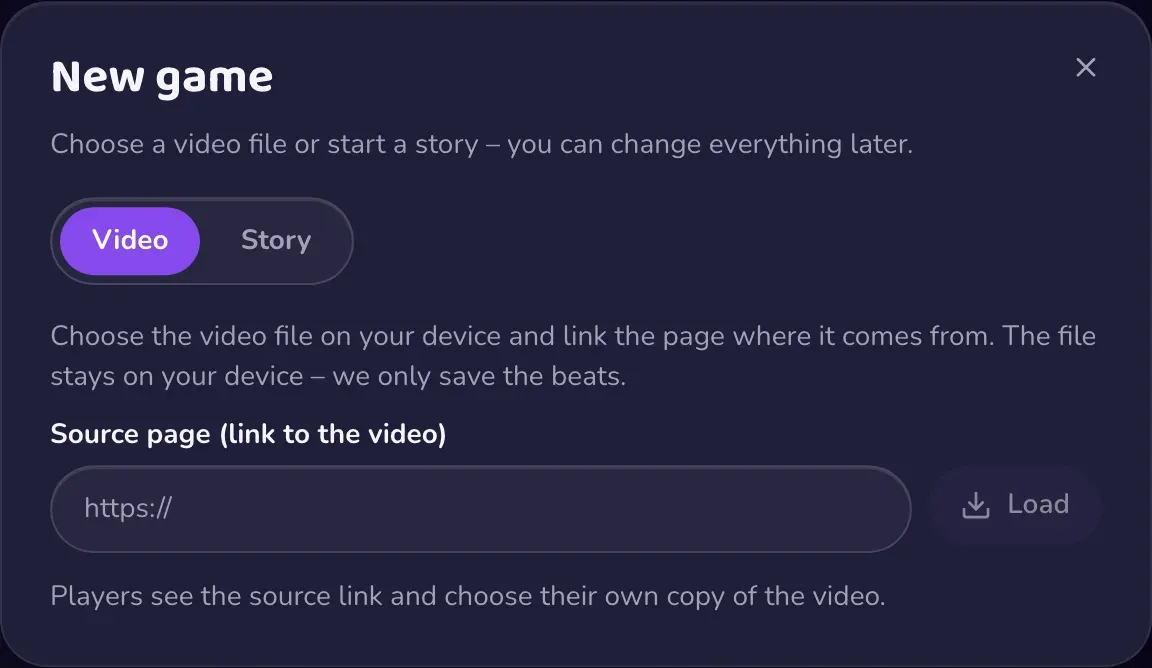
Create a new game, pick Video, and paste the link of the page the video comes from. The link is only the public source credit. OBEATR can read a title and cover from that page, and you can edit both. Then choose the video file in the editor preview. If the file's length differs from the source, you get a warning.
The timeline
The timeline has three tracks:
- Stops: pauses where the game waits. A stop can carry a label.
- Beats: the pulse players follow. Click an empty spot to add a beat, drag to select a range, drag a selection to move it.
- Depth: a curve from -1 to 1 that drives the depth guide. Click to set a point, drag to move it. Draw mode (
D) paints depth freehand. There is also an optional minimum curve for linear devices.
Press Space to play, T to tap beats in time with the music, B to add a beat and S to add a stop at the playhead. The mouse wheel zooms, Fit shows the whole video. The help button lists all shortcuts.
Getting beats in fast
The Getting started card walks you through three steps: choose the video, capture beats, draw depth.
- Tap: tap along with the music. The editor then offers to fill with the BPM it measured.
- Fill with BPM: replace a time range with an even grid. An optional end BPM ramps the tempo smoothly.
- Auto analysis: finds beats on your device and can take a minute. How many analyses you get per month depends on your plan.
Fixing the tempo
Use BPM -1 / +1 to re-time every beat, Double, Halve or Two-thirds to change the grid, and Earlier / Later 10 ms to compensate for tap latency. Snap to grid pulls all beats onto the BPM grid. The waveform behind the beat track helps you check alignment.
Depth, climax and overlays
Generate from tempo draws a depth curve from your beats: fast sections go deep, slow ones stay shallow. It replaces the existing curve, and you can undo it. A climax marker has a duration. Smooth transitions adds a slow insertion before the first beat and a slow pull-out after the last one.
You can also add text or image overlays that appear over the video for a time span. Image overlays need an https URL. The editor allows a limited number per game.
Loop, speed and saving
Press I and O to set a loop start and end at the playhead and L to turn the loop on or off. Playback speed ranges from 0.5x to 2x.
The editor autosaves. It also keeps a local backup, and offers to restore unsaved changes after a crash. Ctrl/Cmd + S saves immediately.
Funscript
Already have a script? Import a .funscript file or drop it on the Rhythm panel. Beats and depth are taken over as one undo step. Export writes a Funscript for stroker apps. Both are in the More menu too.
Ready to publish? See Submit your game.