Play a story game
A story game has no video. It is a path through short sections, each showing a stack of elements such as images, text, buttons, timers and a metronome. Your choices decide which section comes next.
Choices and inputs
- Buttons move you on, and some branch the story. A button can also set a variable.
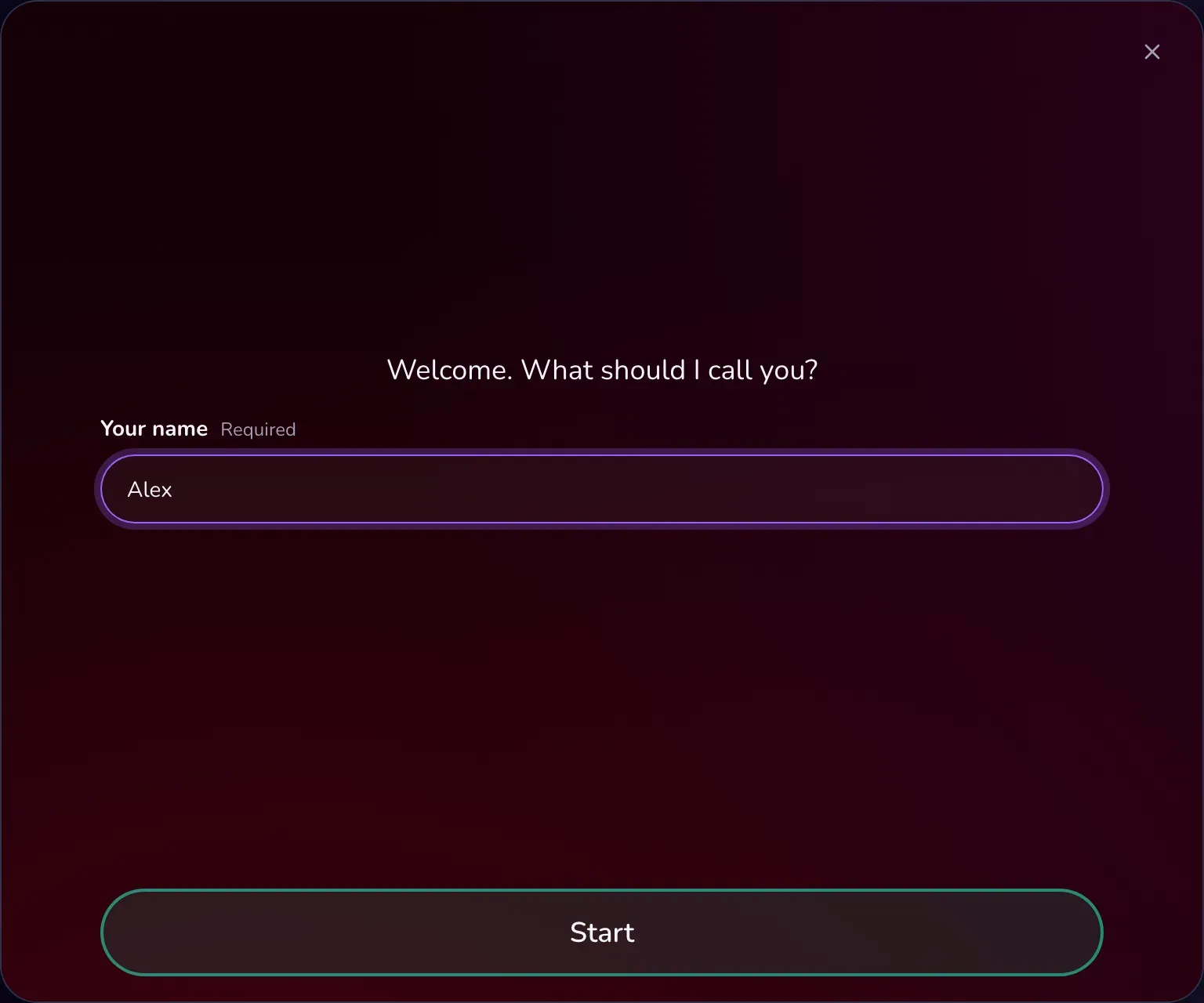
- Inputs ask for text, for example your name. Later text can use it, and a required input keeps the buttons locked until you fill it in.
- Some branches depend on what you entered or chose earlier.
- Dialogs appear line by line; tap, or press Space or Enter, to continue.
There is no back button: the story decides the way. Reaching the end counts as completing it. There is no scoring.
Timers and metronome
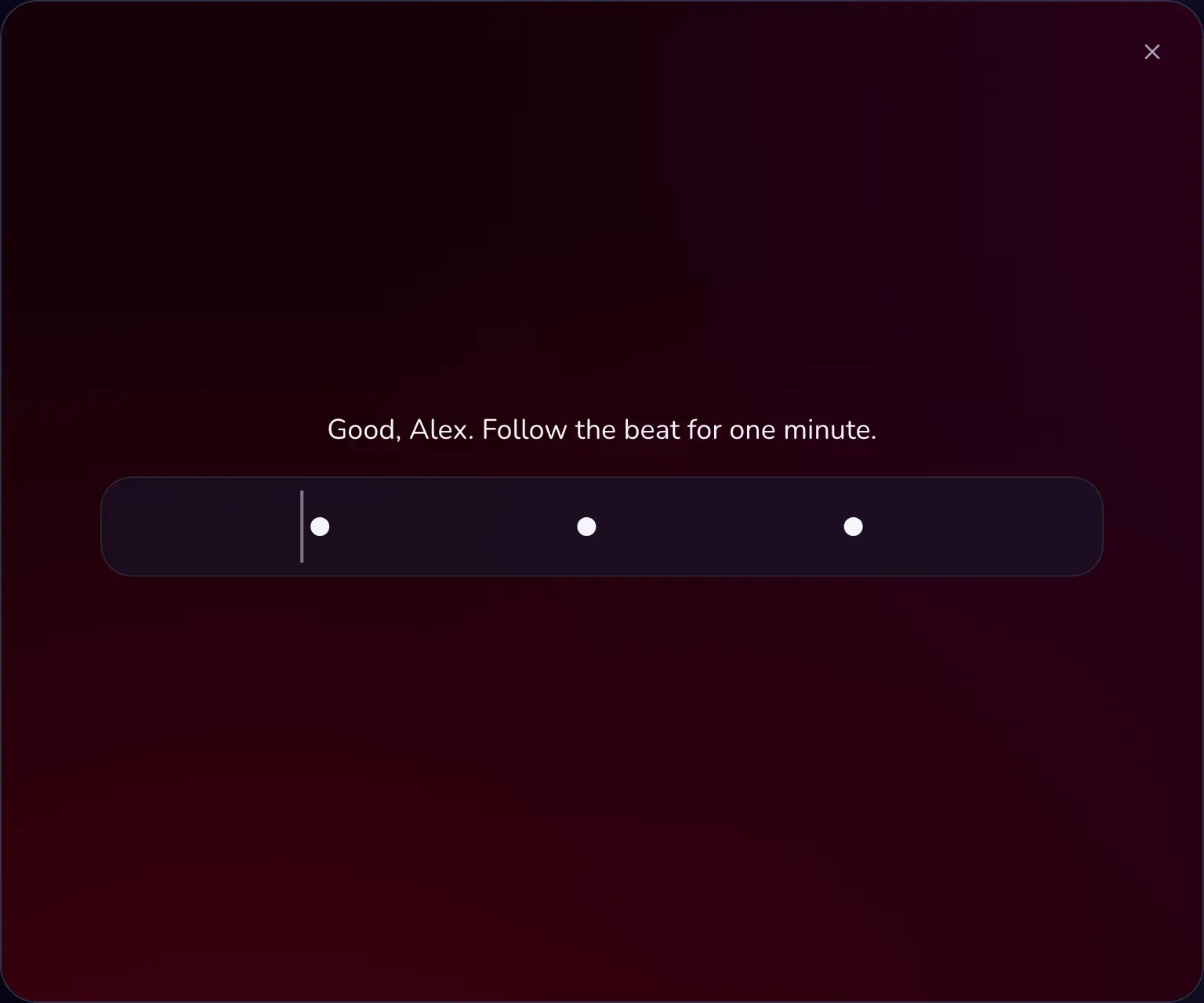
A timer counts down and then either continues by itself or shows a button. A metronome section gives you a tempo, sometimes speeding up or slowing down, together with the depth guide and click. The M key switches the metronome on and off.
Minigames
Some stories ask you to solve a small task before continuing:
- Typing: type a line the required number of times. Pasting is blocked.
- Wordle: guess a word in a limited number of attempts. Each letter is marked as right spot, wrong spot or not in the word. Running out of attempts can send the story down a different path.
- Jigsaw: tap two tiles to swap them until the picture is complete. A broken image can be skipped.
Checkpoints and progress
Some stories have checkpoints. Reaching one shows a checkpoint code; copy it, and next time use Have a checkpoint code? on the start screen to continue from there.
If you are signed in and the story supports it, OBEATR also saves your progress. The start screen then offers Continue from a saved checkpoint, and Start over deletes your saved progress after confirmation. Progress is not saved in Random mode.
Settings
Your background and sound choices apply to stories as well; see Customize. Authors can let a story switch the depth guide's mode per scene; you can switch that off.
Want to write your own? See the story editor.